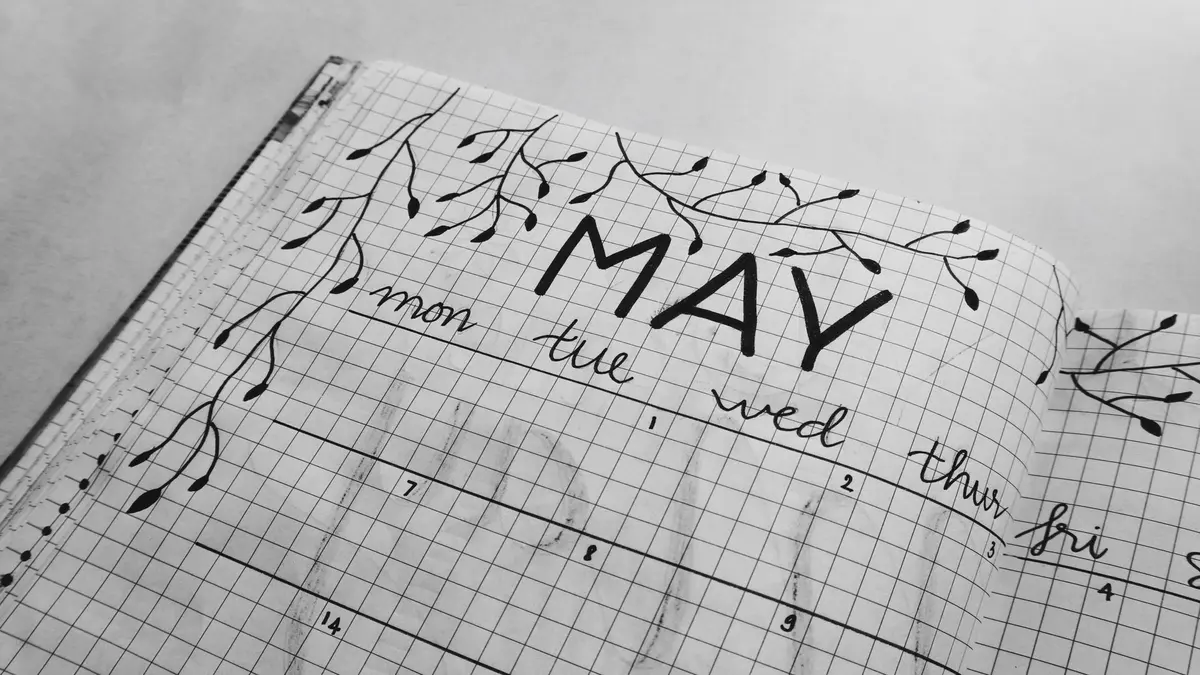
Why Organize Your Work Notebook?
A messy work notebook can quickly become more stress than solution. Pages fill up with scattered meeting notes, half-remembered project ideas, and unfinished to-do lists. When you actually need something—a critical action item, a decision from a meeting, or just that phone number—you end up flipping endlessly or, worse, rewriting the same thing again.
Organizing your notebook isn’t about making it look pretty. It’s about making your notes findable and your ongoing work manageable, especially when you’re moving fast with multiple projects. Here’s a direct, practical guide to help you set up—and keep up—a system that actually works in real office life.
Step-by-Step Setup: Classic, Reliable Methods
1. Reserve the First Pages for an Index
Set aside the first two or three pages as an index (also called a “table of contents”). This is where you’ll record what’s on each page or section as you go—not in advance.
Leave these pages blank until you have something to index. As you add a new topic (meeting, project jumpstart, research notes), make a short entry in the index: the topic, its page number, and any symbol you use to highlight its type (like ☐ for tasks, ○ for meetings, • for ideas).
Tip: If indexing every entry feels too much, at least note down the major items or things you’ll likely need to find again.
2. Number the Pages
It’s tedious to do all at once, but absolutely worth it. Number your notebook’s pages—bottom corner is fine. If you skip this, your index has no value.
If your notebook is thick, consider numbering as you go. Don’t worry about making it perfect; you just need enough structure to reference things later.
3. Use Simple Symbols and Short Titles
Borrow from popular methods like Bullet Journal or GTD, without the overhead. One page may include several note types:
- ☐ = Action or to-do
- ○ = Meeting
- • = Idea
- – = Note or info
Use brief, clear titles for new entries (“Team meeting — Jan 12”, “Website launch checklist”).
4. Date Every Entry
Always start a section or page with the date. Dated notes are easier to scan and help you track when things happened—especially useful during audits or project reviews.
5. Color Coding (But Don’t Overdo It)
Choose 2–3 colors to quickly signal categories: one for meetings, another for tasks, another for urgent items. Highlighters, colored pens, or sticky flags work.
Don’t spend more time choosing colors than taking notes. The goal is clarity, not decoration.
6. Tabs and Cheat Sheets
Sticky tabs make it easy to flip to common reference pages (like your to-do list or persistent project plan). Some people also post a key to their symbols and colors inside the cover.
7. Leave Space for Key Reference Items
Reserve the last 2-3 pages for details you look up often—contact extensions, team roles, project codes, or procedures. This keeps essentials handy and out of the daily note chaos.
Managing Multiple Projects or Departments
In fast-paced work, it’s rare that you only follow one project. Here’s how real people handle this issue:
Option 1: Sections (With Caution)
Some split their notebook using sticky tabs or dividers for each major project. But this can backfire. You may run out of pages in one section and have to overlap or migrate, which can get confusing.
Option 2: Linear, With Index (More Flexible)
A simpler solution is to always write front-to-back in chronological order, using your index to record what’s where. It’s messier in the beginning, but the index keeps everything retrievable.
If something for Project B pops up while you’re in Project A’s section, just record it on the next page—index it, and you won’t lose track.
Option 3: Use Separate Notebooks for Major Categories
When projects really don’t overlap, a separate slim notebook for each can reduce confusion. Choose different cover colors or label the spines clearly so you can grab what you need quickly.
Digital/Analog Hybrid: Transfer Summaries
If you use digital tools (notes apps, calendars, task trackers), jot critical actions in your work notebook, then transfer final tasks or meeting decisions to your digital systems daily or weekly.
Some cross-reference digital note entries with a note in your physical index (“see digital: 2024_StaffMeeting”). Don’t duplicate everything—only transfer what you’ll need digitally (like due dates, final action items, or shared meeting notes).
How to Keep the System Going
Regular Reviews
- Take a few minutes at the end of the day or week to scan the past few pages.
- Check off completed tasks, migrate undone actions forward, and see if anything must be indexed.
- Clean up unnecessary clutter.
Don’t let mistakes or messy pages stop you: Perfection is not the goal. Cross out what’s finished. Accept that not everything will be beautiful. The only real failure is abandoning the system entirely.
Practical Tips and Strategies (From Real Work Environments)
- Don’t get bogged down by sections that run out of space—continuous, indexed flow is easier to keep up.
- If you need to share notes later, snap a photo of key pages or use an app that can scan and send.
- Avoid rewriting notes unless absolutely necessary; use review sessions to extract what matters and transfer just that to digital tools.
- For frequent meeting formats, pre-label a few blanks with “Meeting — [Date]” and common subheadings: agenda, notes, decisions, next steps.
- If you tend to misplace notebooks, keep your main one in your bag or always on your desk, not various spots around the office.
Common Mistakes (and How to Avoid Them)
Neglecting the index: The biggest pitfall is failing to update your index, which makes later retrieval almost impossible. Build the brief index entry right when you create a new section or page.
Waiting for the “Perfect System”: Enough people on Reddit and productivity forums mention chasing the ideal method and never settling on one. Start simple—structure and consistency beat complexity every time.
Letting backlogs pile up: Don’t skip regular reviews. When you do, your action items and notes go stale. Even five minutes weekly is better than nothing.
Making it too pretty, not usable: Stick to functional symbols and just enough color to be clear. Don’t spend hours on flawless layouts unless that genuinely helps you use the notebook.
Wrapping Up: Maintenance over Perfection
No single organization system works for everyone, and that’s completely normal. Use this guide as a toolkit—pull in what feels practical, adjust as your job shifts, and stay focused on making notes findable and usable when you need them.
The real magic is in updating your index, reviewing regularly, and not being precious about mistakes. Even a “messy” organized notebook is far more useful than scattered loose pages or unsearchable digital files. Give your notes a home, and they’ll serve your work, not slow it down.